Table of Contents
April 23, 2026
Welcome to the MediumocracyApril 15, 2026
Non-human Citizens United?April 9, 2026
The Humble HyperlinkApril 2, 2026
The Hare Is Running Away With Your Data But the Tortoise Has a ShellMarch 23, 2026
Language == (Code && 💕)March 20, 2026
Notes on Cognitive LibertyMarch 20, 2026
From Tulips to Transformers: A Brief History of Expensive MistakesMarch 18, 2026
DoomtubersMarch 18, 2026
The Private MindMarch 16, 2026
The Fluency IllusionMarch 16, 2026
The Map Is Not the TerritoryMarch 16, 2026
The Modular MindMarch 16, 2026
Who Named These Animals?March 4, 2026
Align AI? Try Aligning HumansFebruary 22, 2026
This AI Cannot Be EmpireFebruary 14, 2026
Unsubscribe & ResistJanuary 26, 2026
The ContentkeeperApril 11, 2025
Review: The Idea FactoryMarch 26, 2025
Whither Apple Intelligence?March 19, 2025
Let’s Call Them Answer EnginesMarch 11, 2025
DoomtubersMarch 4, 2025
“It’s not A.I., It’s the Non-Economy of Content, Stupid.”January 25, 2025
The Lasting Creak of Legacy CodeJanuary 26, 2005
Weaponizing Bits

Whither Apple Intelligence?
 R.E. Warner
Apple, a company known for innovating so fast that it greatly upsets the mainstream, like when it eliminated floppy disk drives and then optical drives has been woefully (and shockingly to me) behind on artificial intelligence. Siri’s bad, sure, but there’s more to it. Apple’s support search is really lacking and isn’t yet run by an LLM. Many other support systems I use already swtiched to using an LLM for support. There’s even a video on how to do it! How has Apple not accomplished even this simple step?
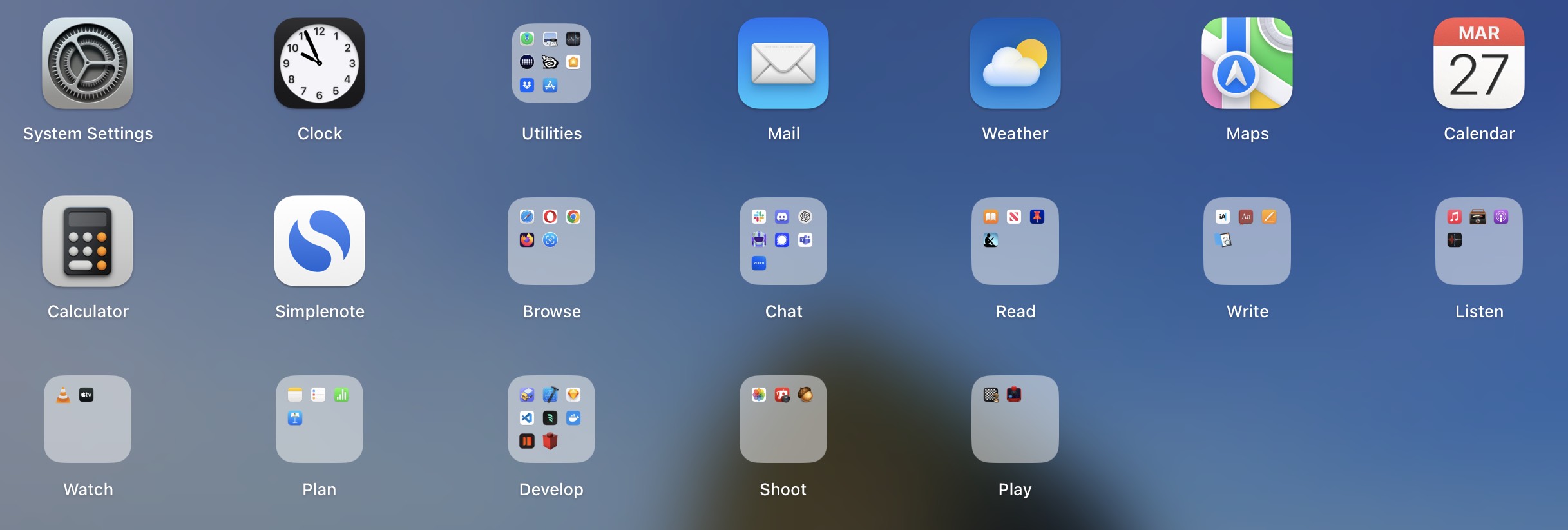
Generally speaking, to open an app on MacOS, I just hit Command-Space (⌘-space) and start typing the app I want to open. Generally, within one or two keystrokes it’s the top result and I just hit return. For some reason I was off the beaten path this morning and ended up in Launchpad, an app launcher. It’s the grid thingy in the dock or a four-finger pinch.[^1] But I didn’t even know what it (Launchpad) was called. I wanted to clean it up and make it like my phone home screen for consistency. I like to categorize apps by action, so I have folders called “Read”, “Write”, “Chat”, “Listen”, “Watch”, etc.
[^1]: Apple must be phasing this thing out because a four-finger pinch is exceedingly difficult.
Enter Apple support: I searched for “App Launcher” and got nothing useful. I then searched “App launcher MacOS” (since everything was iOS related), “MacOS 14 App Launcher” (since all the results were old) etc. I was kind of shocked. These search results were bad—forget that there was no chat interface.
For comparison, I went to ChatGPT and asked, “There’s a thing in MacOS that shows you all the apps on one screen?” and it immediately knew I was talking about Launchpad (as opposed to app launcher) and gave some brief instructions.
Yes! You’re thinking of Launchpad on macOS. It displays all your installed apps in a grid, similar to the home screen on an iPhone or iPad.
You can open Launchpad in a few ways:
- Press F4 (or the Launchpad key if your keyboard has one).
- Use a four-finger pinch gesture on the trackpad.
- Click the Launchpad icon in the Dock (it looks like a silver rocket).
- Search for it using Spotlight (Cmd + Space, then type “Launchpad”).
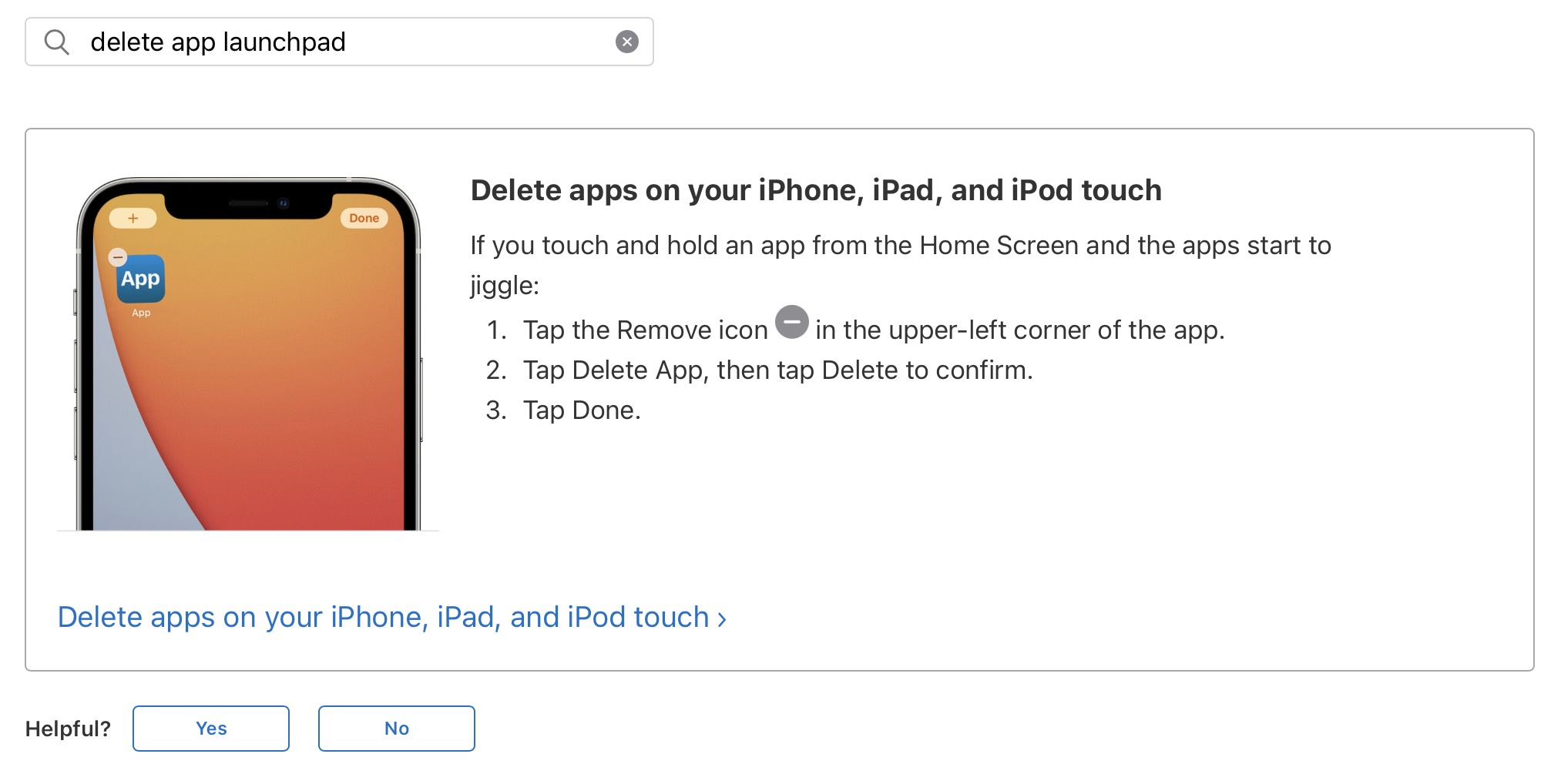
Two of these are actually wrong. I’ll leave it as an exercise to the reader to figure out which ones, but at least ChatGPT knew what I was talking about. With the Launchpad name now handy, I went back to Apple Support and searched “delete app launchpad”. Granted delete was the first search term, but the name launchpad was in there, and I got: